
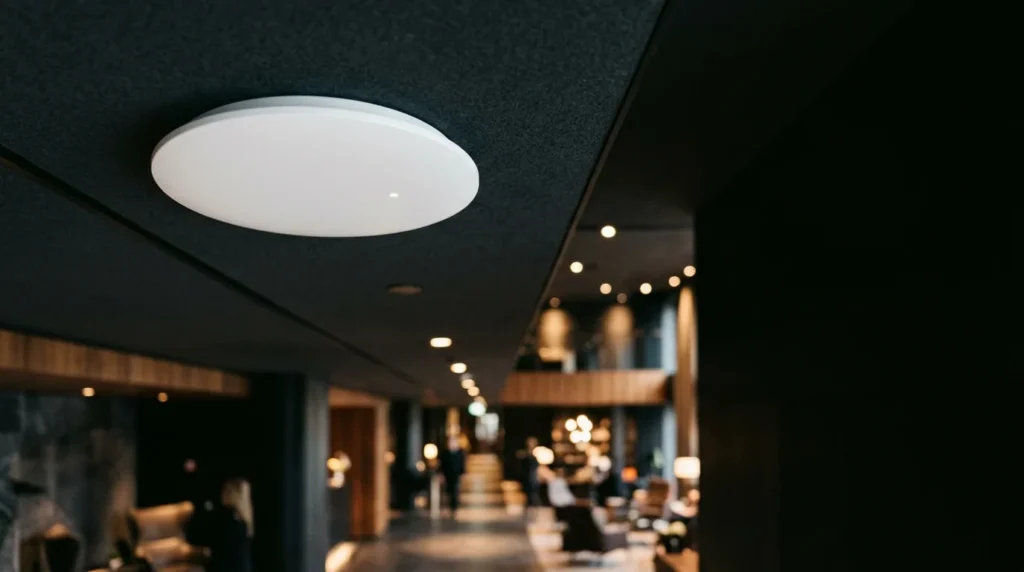
The review is always the same: „clean room, friendly staff, no Wi-Fi.” And in offices, the version is „meeting room where you can’t get anything.” In both cases, the problem isn’t „the internet.” It’s the way the wireless network was designed: usually, it wasn’t designed at all.
If you want a network projected on your building plan, with before and after measurements, see the page Enterprise Wi-Fi for hotels and offices.
Why it doesn't work: the five causes we always find
- Home routers placed upstairs. They're made for a family, not 40 cameras. At 9 p.m., when everyone starts a movie, it freezes.
- Access points too few and too far apart. The signal "catches" in the corridor, but in the room, behind a bathroom door and a concrete wall, there is a dash. A weak signal means slow speed for everyone, not just the one at the end.
- All 2.4 GHz devices. The band is crowded, has only a few non-overlapping channels, and is shared with microwaves and Bluetooth.
- One network for all. The guests, the reception, the surveillance cameras, and the cash register, all together. It's slow and it's a security issue.
- Improvised wiring. The access point is connected via a cable pulled under the carpet to a switch without PoE, with a power supply in the socket at the end of the corridor.
How to design correctly
1. Site survey, on the building plan
There is no guessing. We start from the architectural plans (wall materials, doors, mirrors, elevators) and make a coverage simulation, then an on-site measurement with a test access point. The result is a map with the position of each AP and the expected signal level in each room.
2. How many access points and where?
In hotels, the rule that works is one AP in the room or two rooms, mounted in the wall, not one in the corridor every 30 meters. In offices, the density is given by the number of people per area: a conference room with 60 seats needs its own AP, sometimes two. Outdoor areas (terrace, pool) have separate equipment, resistant to salt and moisture.
3. Separate networks, on VLANs
- Guests / visitors: internet-only access, isolation between clients, authentication portal with acceptance of terms.
- Staff/employees: access to internal applications, authentication by account, not by a password written at the reception.
- Technical: surveillance cameras, access control, BMS, cash registers. I don't share anything with guests.
4. Wiring and power supply
Each AP has its own cable, Cat6 or Cat6A, to a PoE switch in the rack on the floor. No power supplies in the sockets. I wrote separately about structured cabling and why Cat6 is the reasonable minimum.
5. Roaming and management
The guest who goes from reception to the room does not have to reconnect. This means a controller (local or cloud) that keeps all APs under the same configuration, chooses channels automatically and shows you in real time how many clients are on each AP. It also lets you see when an AP has gone down, before you find out from the reviews.
6. Measurements after installation
The project closes with a second measurement, room by room, and with a report that you keep. It's proof that the delivered network corresponds to the designed one.
What else matters in hotels
- The authentication portal can collect the agreement to terms and, if you want, the email address for marketing, in compliance with GDPR.
- Bandwidth limitation on the client, so that a guest downloading does not block others.
- Integration with the reception system (PMS), so that the password is the room number and name, not a note.
- Separate and stable network for smart TVs, casting and IP telephony in rooms.
What matters in offices?
- User account authentication, linked to the company director; when an employee leaves, they also lose access to Wi-Fi.
- Priority for video conferencing and IP telephony.
- Visitor network with voucher, valid for one day.
- One office building with multiple tenants, the same infrastructure can serve separate logical networks for each.
How much does it cost?
It depends on the number of rooms or stations, the structure of the building and how much of the cabling already exists. We don't give figures before the site survey, because we've seen too many "offers" made from the office that doubled on site. We calculate for your case, based on the plans and a visit.
Send us the building plan and the number of rooms or stations, and we will return within 3-5 business days with a location proposal and offer: request a quote. For hotels, see also the page solutions for hotels.